
Open PDF, HWP, Word, PowerPoint and Excel
right in your browser
Read Office and Korean HWP documents without Office or Hancom, and save any of them as a PDF whose text you can still select. Present a deck with its speaker notes as captions, have a document read aloud in a natural voice, or turn the deck into a narrated video. Annotate, stamp, run OCR, open mail — and embed the viewer in any website, even as a private, view-only one.
Formerly WZ PDF — renamed in 1.25 once it opened far more than PDF.
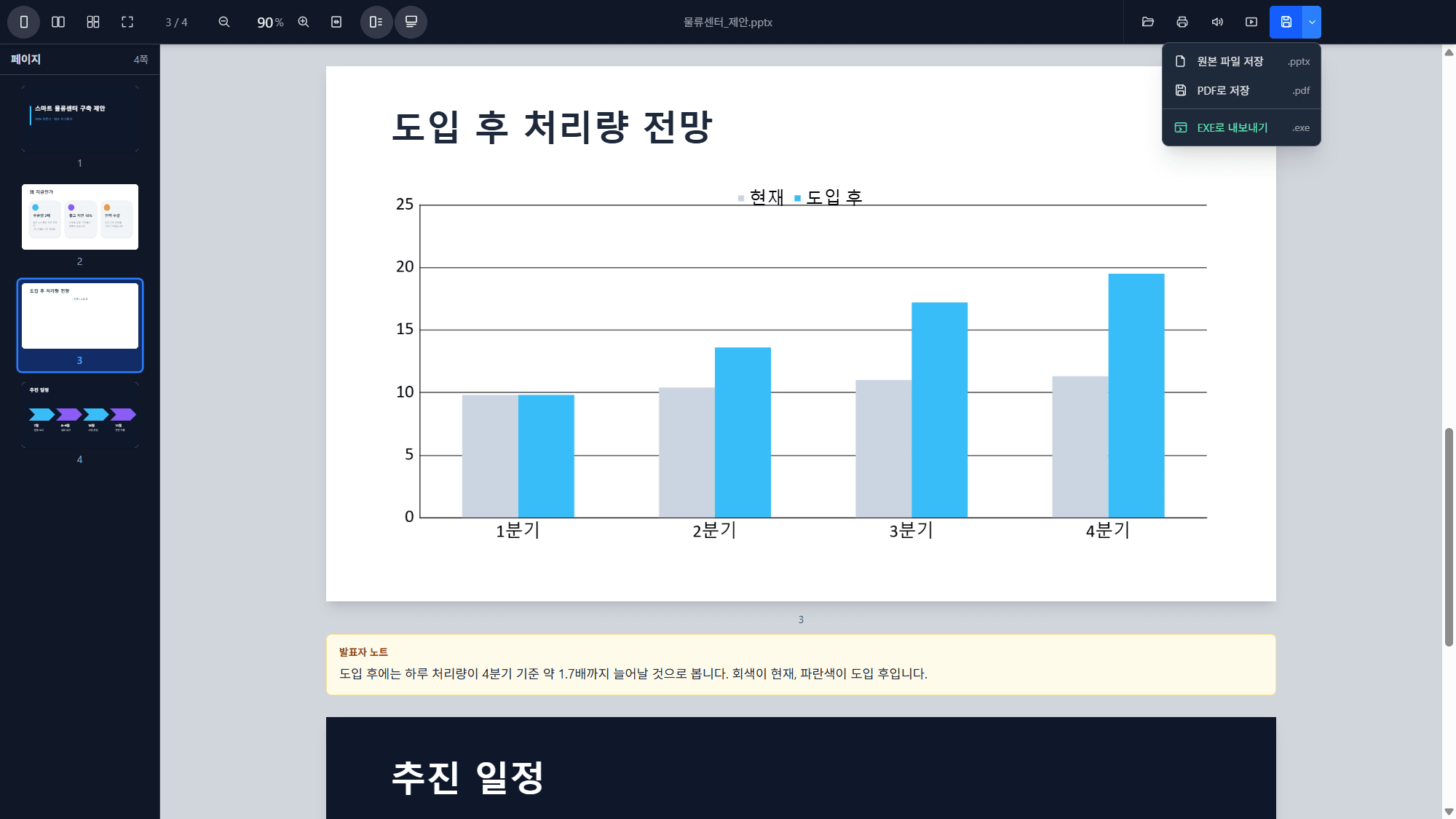
No upload
Your file never leaves your device. Everything is processed in the browser or the desktop app — OCR and speech included.
Word · PowerPoint · Excel
No Office needed: layout, tables, charts and pictures as written, page list and two-page view, every row of a 200,000-row sheet, and Save as PDF with selectable text.
HWP / HWPX
Korean word-processor files open like a PDF, with native selectable text. HWP → PDF keeps the text copyable and searchable; HWP ⇄ HWPX from the command line.
Present with speaker notes
The script under each slide and as captions in the slideshow (C). Pen, highlighter, arrow, laser pointer and spotlight zoom in fullscreen.
Read aloudDesktop
A natural voice, Korean included, ten voices, entirely offline. The sentence being read is highlighted, and in a presentation the slides turn with it.
Narrated videoDesktop
A deck with notes becomes one MP4: the slides, the script spoken, and the script as a subtitle track any player can switch on and off.
On-device OCR
Recognize Korean and English in scans and images, offline, and keep it — saved PDFs become searchable. Ctrl-drag any region to copy its text.
Stamps & signatures
Upload your seal once — background removed, size remembered — and paste it onto every selected page at once. Signatures, watermarks, text edits, undo.
Password-protected PDFs
Open encrypted PDFs, and save them locked (AES-256) or unlocked — the padlock decides what the next save does.
Pages & export
Reorder, insert and delete pages; save just the selected ones, a booklet with two pages per sheet, an HTML viewer, images, or a self-opening .exe.
Mail & Markdown
.eml with attachments and Korean encodings, remote images blocked until you ask. Markdown as a formatted page with a contents rail — and an editor.
Web embed
A single ?url= drops the viewer into any site — or a private, view-only viewer for the documents you designate.
What it looks like
The Windows app, with documents that each needed their own program before.
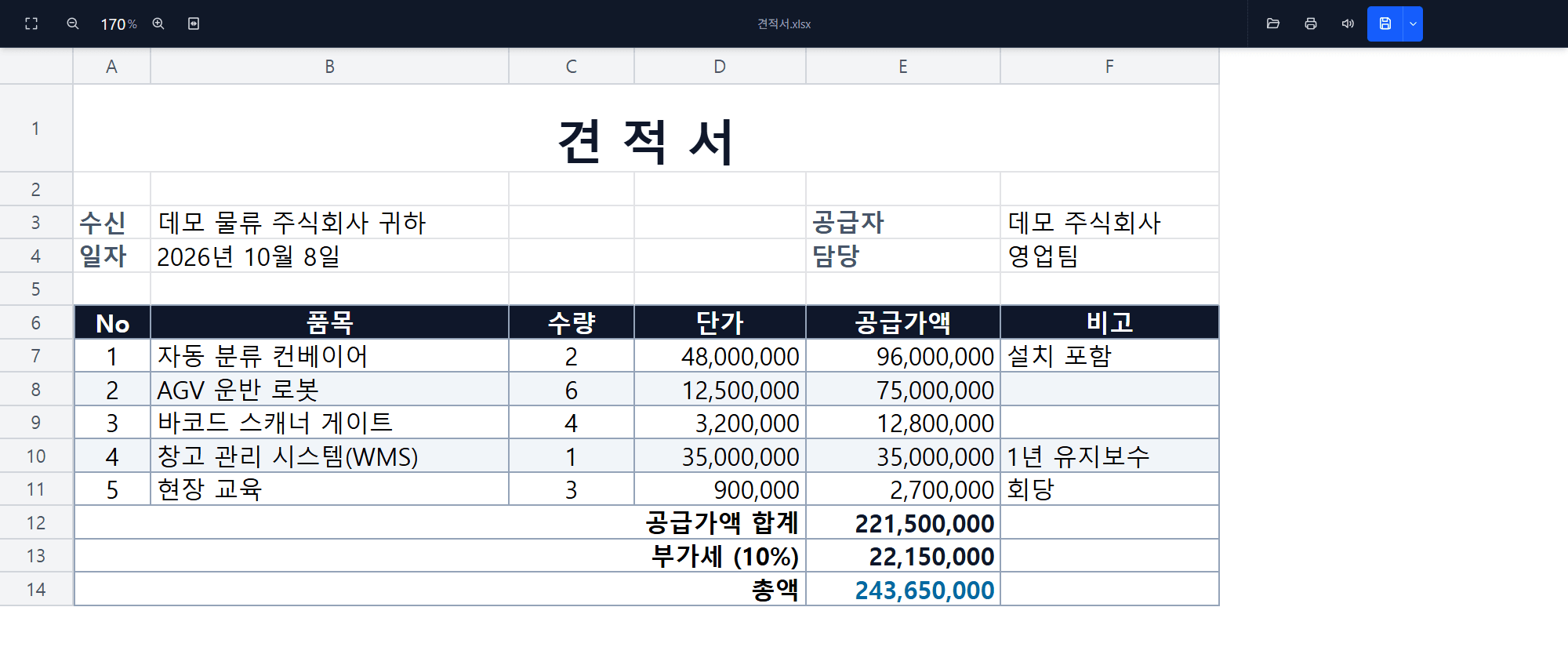
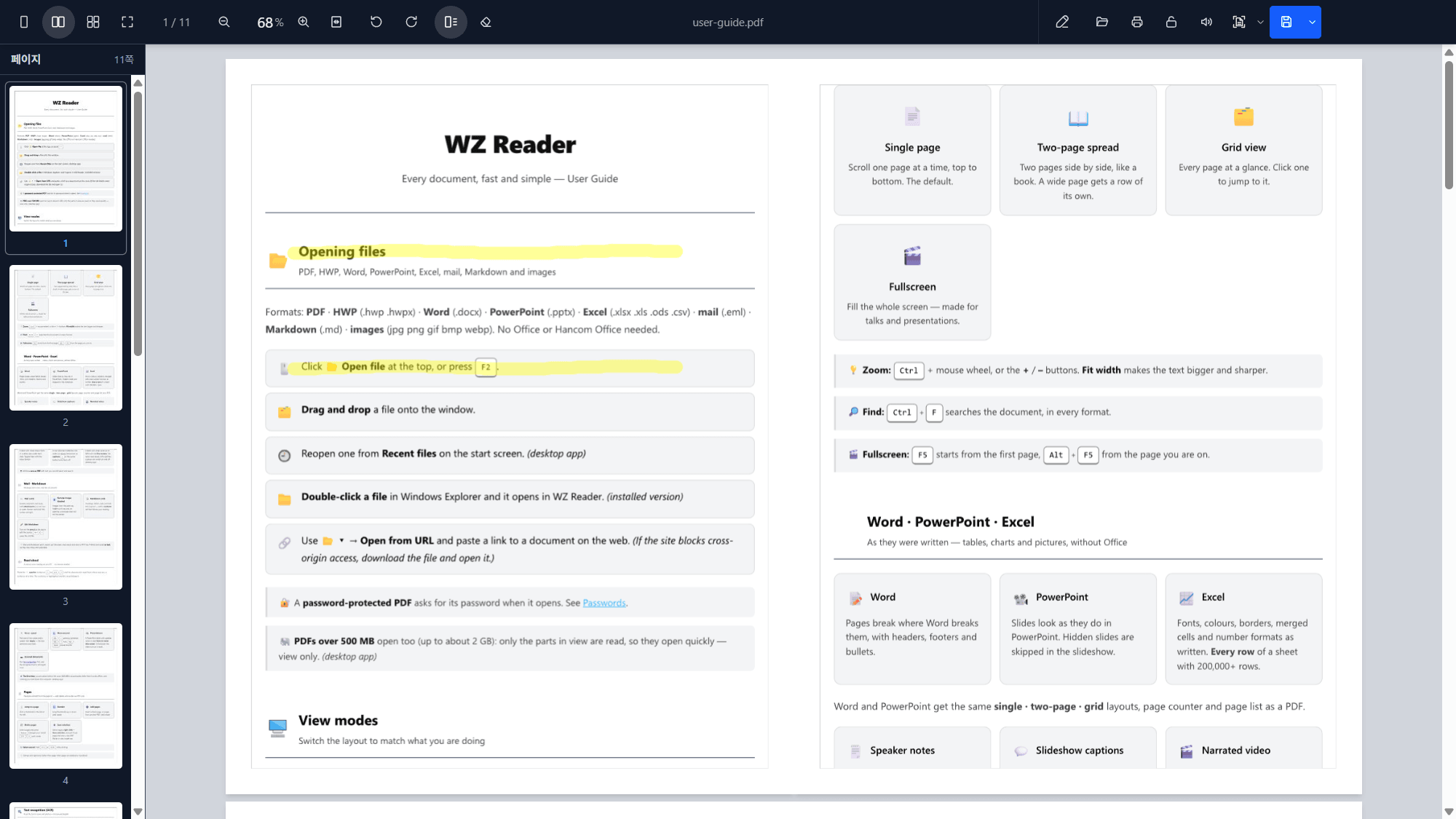
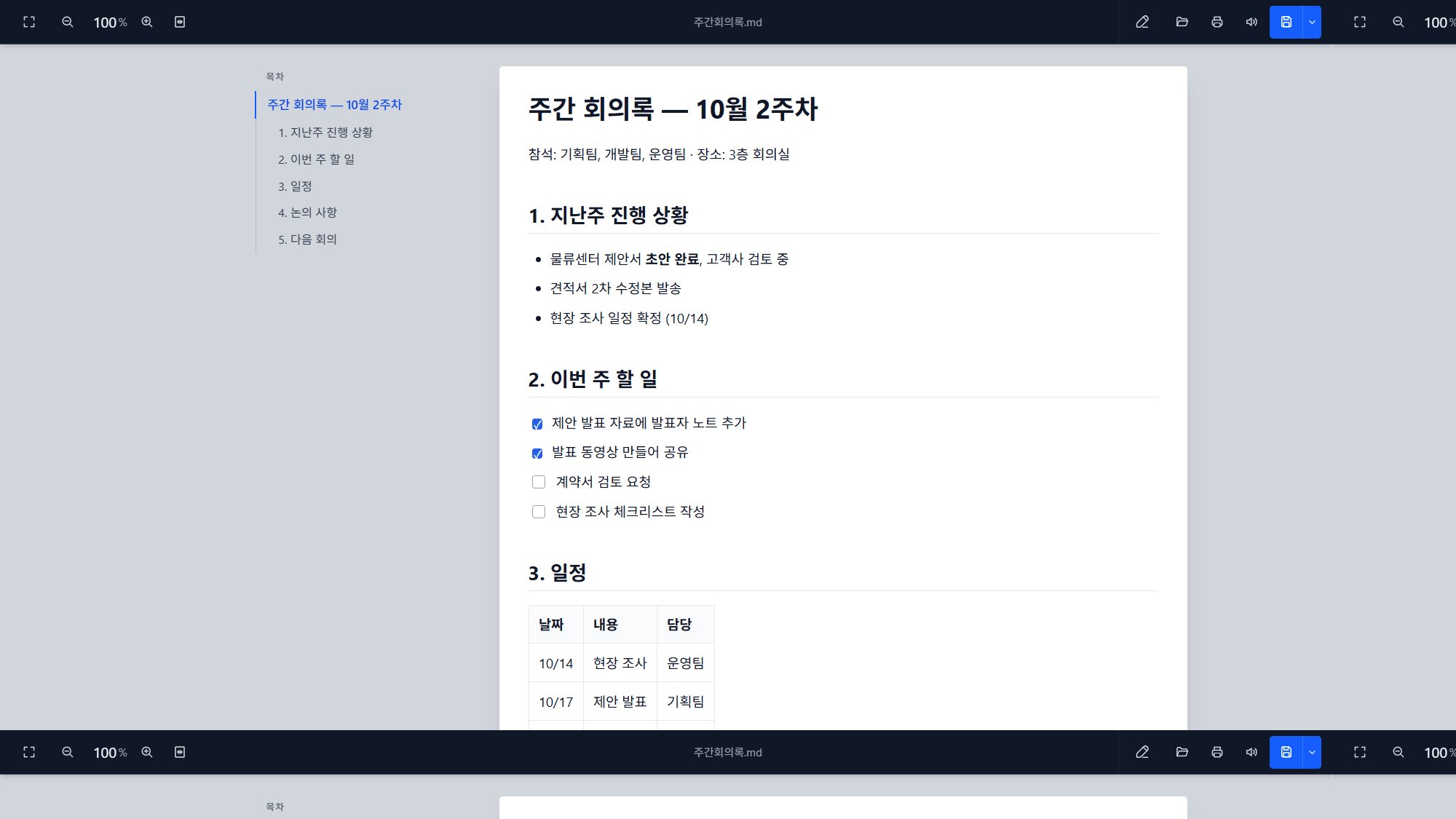
Sample documents made for these screenshots.
The Windows app
The same viewer, plus what a browser cannot do. Free, and it keeps itself up to date.
- Read aloud and narrated video — the voice runs on your PC; the model is a one-time 383 MB download you are asked about first.
- Double-click to open PDF, HWP/HWPX, Word, PowerPoint, Excel, CSV, mail, Markdown and images; recent documents on the start screen.
- Batch converters on your PATH —
topdf,hwp2pdf,hwp2hwpx,hwpx2hwp: files, wildcards or whole folders. - Huge PDFs — over 500 MB (up to about 2 GB) are read in pieces, so they open in seconds.
- An MCP server for AI agents such as Claude — read any of these formats and convert them to PDF, no Node.js needed.
- Automatic updates — downloaded in the background, checked against the published hash, installed when you restart.
How it looks embedded in a website
Below is the viewer embedded with a real <iframe> — the document shows inline, right on the page, with no download.
The sample document (WZ Reader's own user guide) shown in embed mode (read-only). · Open in the full app
Add it to your site
One <iframe> is all it takes. Put your document's URL (encoded) in url.
urlthe document to display — PDF, HWP, Word, PowerPoint, Excel, Markdown, mail or an image (encode with encodeURIComponent)
filealias for url
embed=1hide the editing chrome (read-only). Omit it to open the full viewer.
langen or ko to force the interface language (otherwise it follows the browser)
npm run build output (dist/) to your site and keep the document on the same origin.
The desktop app is not affected by CORS.
Private mode — only the documents you designate
embed=1 only hides buttons: anyone can edit the address and open something else.
For a viewer that shows just the documents your server chose, view only, host the web build
yourself and place a private.json next to app.html. Every build carries a working example there —
private.example.json — to copy to that name.
{
  "documents": {
    "rfp":    "docs/RFP-2026.pdf",
    "notice": { "url": "/files/get?id=17", "name": "notice.hwp" }
  },
  "print": false
}
<iframe src="https://your-site/viewer/app.html?doc=rfp"
style="width:100%; height:80vh; border:0;" allowfullscreen></iframe>docwhich designated document to show (may be left out when there is only one)
documentsid → URL, or { url, name } when the URL has no file name. Paths are resolved against private.json.
printtrue to allow printing (off by default — printing is also "save as PDF")
- Works: zoom, fit, rotation, page list, two-page and grid views, fullscreen, find, OCR.
- Switched off: opening any other document (file, drop,
?url=, mail attachment), editing, saving, downloading — and their keyboard shortcuts. - It belongs to the deployment, not the link — there is no URL switch to remove. A
private.jsonthat exists but cannot be read keeps the viewer closed. - When you redeploy, leave
private.jsonon the server — a script that clears the folder first must skip it.
Private mode, live
The same viewer, deployed with a private.json
that designates one document. Look for the open, save, print and edit buttons — they are not there.
Try it: drop a file on it, or press F2, Ctrl+O, Ctrl+S or Ctrl+P — nothing opens, saves or prints.
Zoom, the page list, two-page view, find and fullscreen still work. ·
Ask it for a document it was not given